

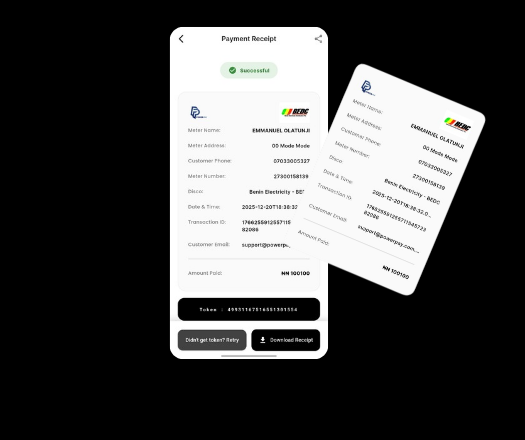
Looking to save money on your electricity bills in Nigeria? With the PowerPay app, you can easily apply a discount code when purchasing electricity tokens for any Nigerian electricity distribution company (DisCo). Here’s a simple step-by-step guide to help you get started:
🔌 Steps to Apply a Discount Code on PowerPay:
-
Open the PowerPay App on your smartphone.
- Sign in or Sign up easily to view Home screen.
-
On the home screen, tap “Buy Electricity”.
-
On the next screen:
-
Tap “Add Meter Number” if you’re a new user.
-
Or select from your saved meter numbers if you’ve added them before.
-
-
Enter all the required details such as the meter number, amount, and select your DisCo (electricity provider).
-
Scroll down to the field that says “Have a discount code?”
-
Paste your discount code into the text box and tap “Apply”.
-
Tap “Proceed” to continue to the payment summary page.
-
You will now see your discount applied to the total amount.
-
Choose your preferred payment method (USSD, card, wallet, or bank transfer) and complete the transaction.
✅ Supported Nigerian Electricity Distribution Companies (DisCos) on PowerPay:
-
Ikeja Electric (IKEDC)
-
Eko Electricity Distribution Company (EKEDC)
-
Abuja Electricity Distribution Company (AEDC)
-
Ibadan Electricity Distribution Company (IBEDC)
-
Enugu Electricity Distribution Company (EEDC)
-
Port Harcourt Electricity Distribution Company (PHEDC)
-
Jos Electricity Distribution Company (JEDC)
-
Benin Electricity Distribution Company (BEDC)
-
Kaduna Electricity Distribution Company (KAEDCO)
-
Yola Electricity Distribution Company (YEDC)
-
Kano Electricity Distribution Company (KEDCO)
With PowerPay, buying electricity units is easy, fast, and more affordable—especially when you apply a valid discount or promo code.
✅ Download the PowerPay app now and start enjoying smarter energy payments with real-time tokens, multiple payment options, and exclusive discounts.